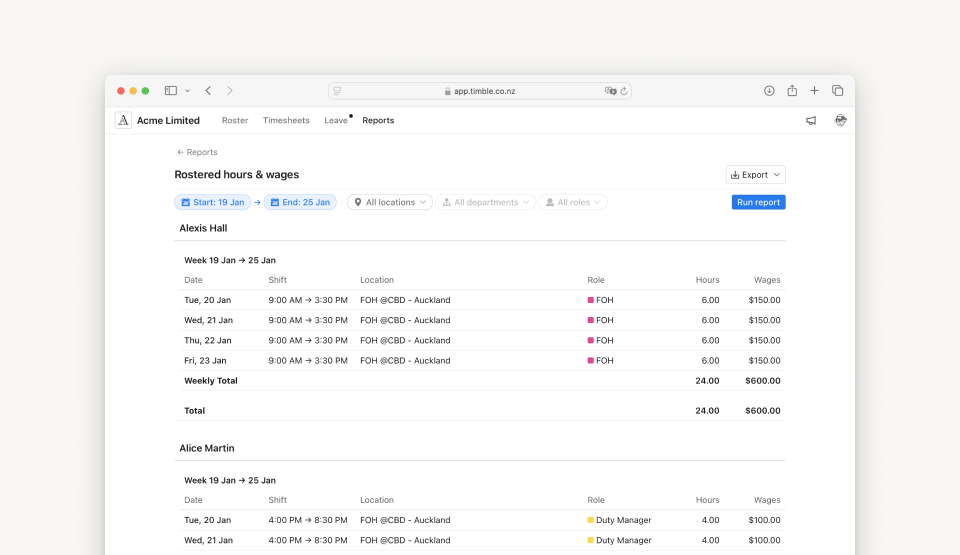
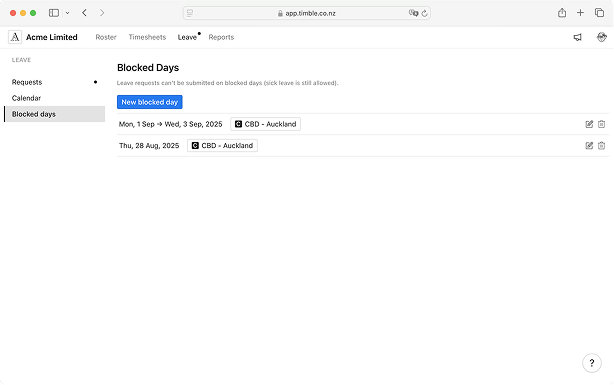
.svg)
Our latest releases are all here.

April 9, 2026
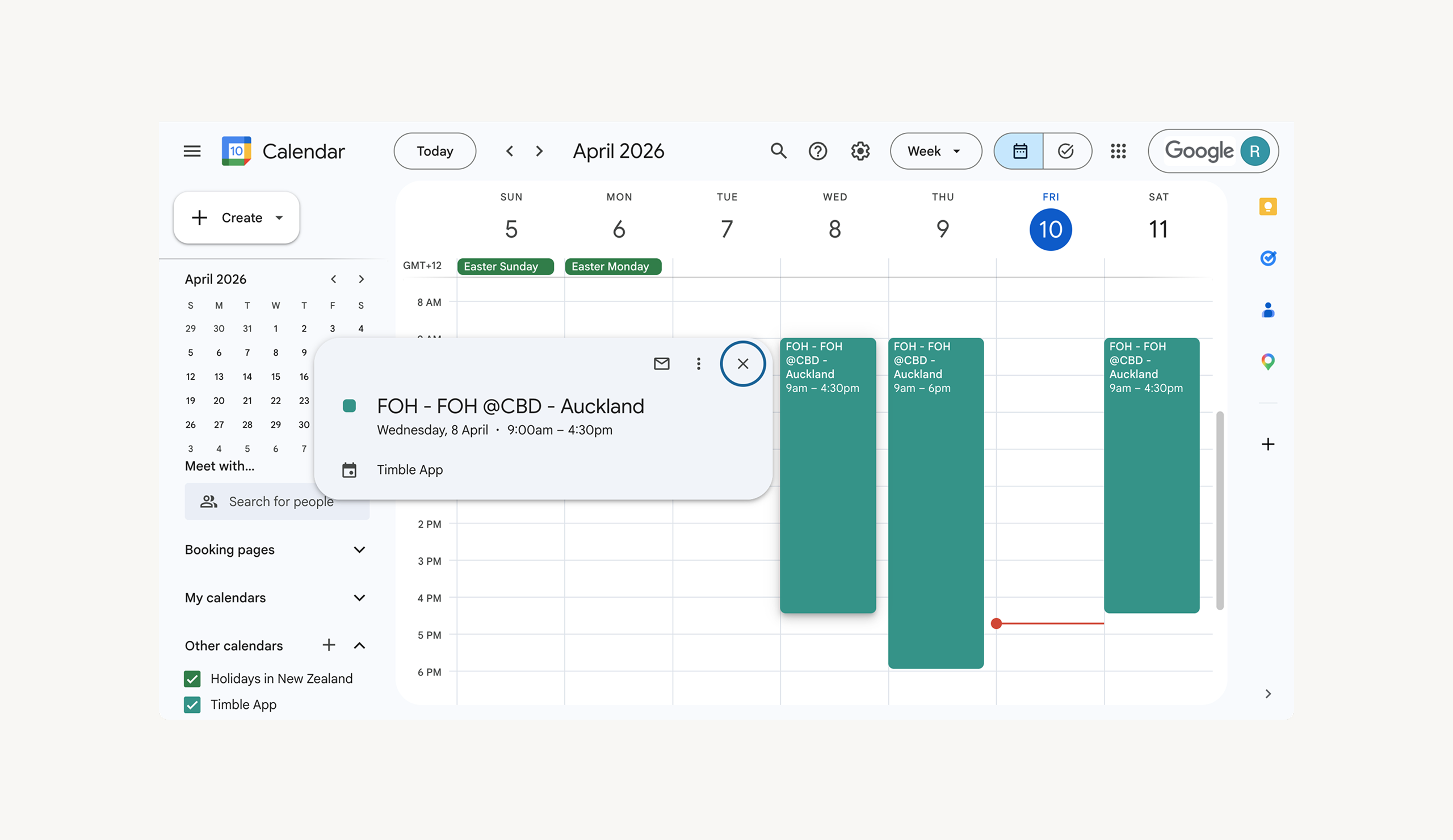
Your rostered shifts can now appear directly in your phone’s calendar — no need to keep checking the Timble app. Set it up once and your shifts stay up to date alongside your personal events.
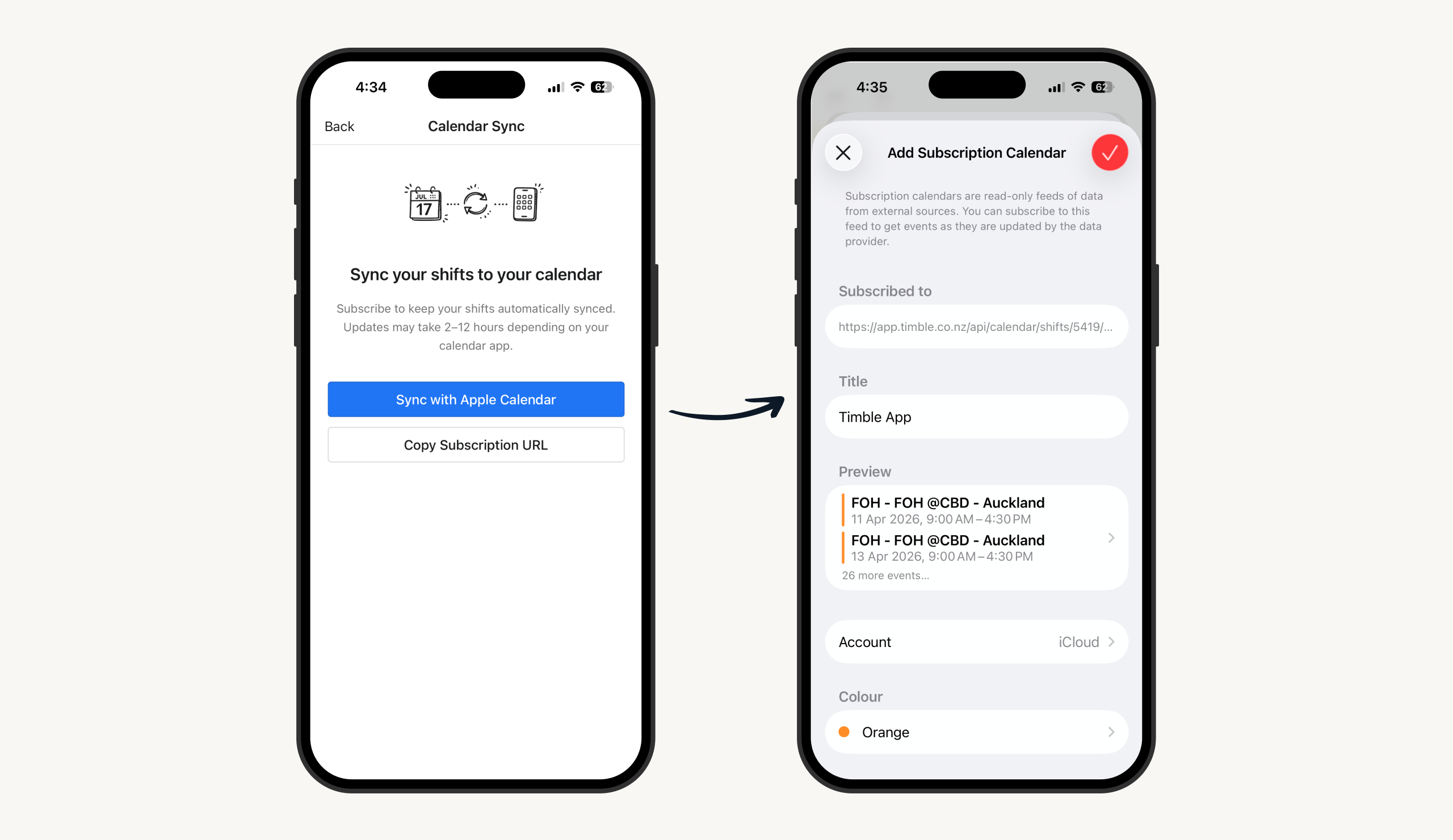
Open the Timble app, go to Account → Calendar Sync, and tap Sync with Apple Calendar. Your phone will ask you to confirm the subscription — tap Subscribe and you’re done. Shifts appear in Apple Calendar automatically.
Go to Account → Calendar Sync and tap Sync with Google Calendar. This opens a short guide that walks you through adding your shift calendar to Google Calendar. It takes a couple of minutes to set up.