.svg)
Accept your manager's invitation, set a password, then get the mobile app on your phone so you can see your shifts anywhere.
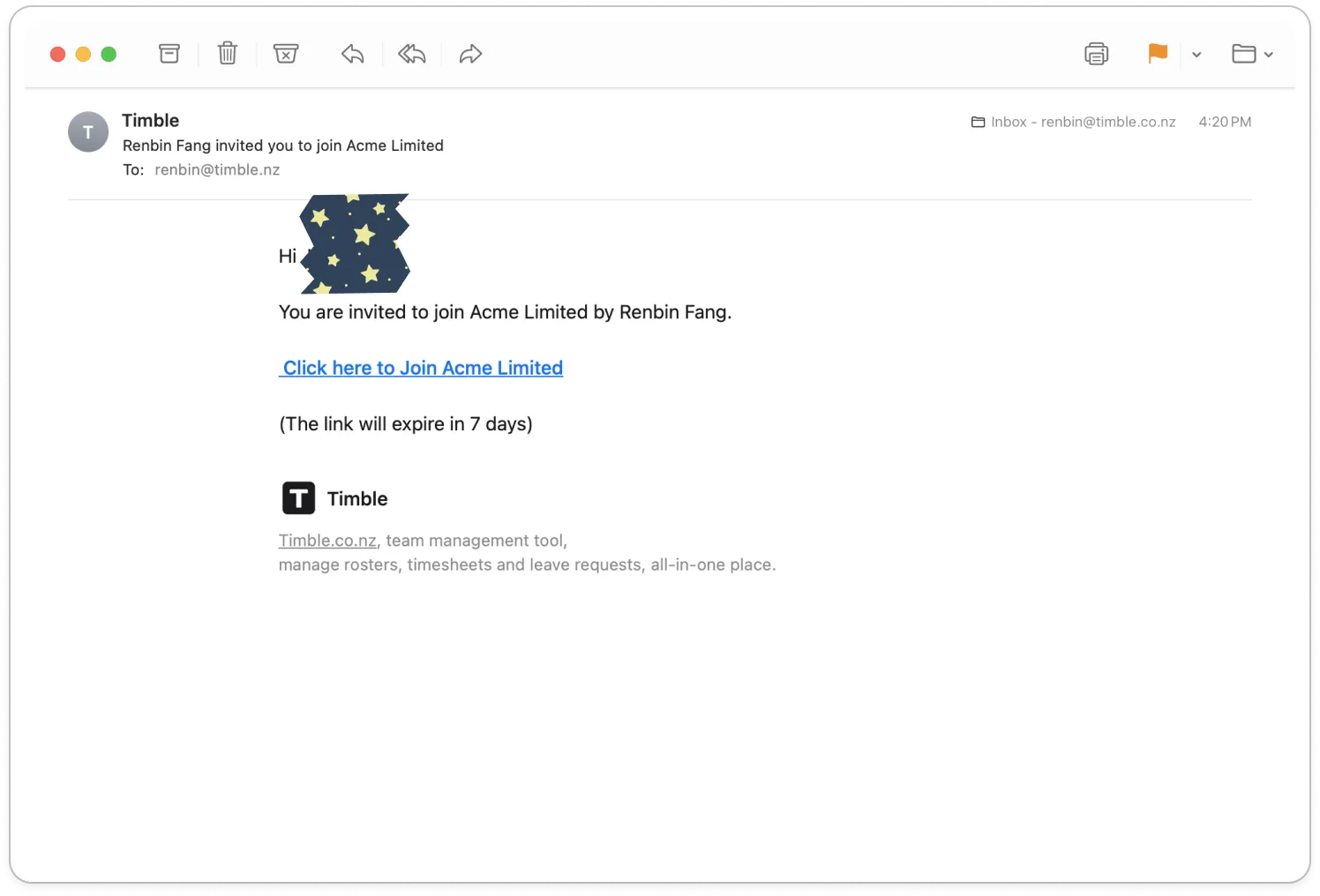
- Open the email that invites you to join your business, and tap Click here to Join followed by your business's name.
Note: The link works for 7 days. If it has expired, ask your manager to invite you again.
- On the page that opens, type a password into Set a password.
Note: If you already use Timble with another business, there is no password to set. The page says you are now part of the business, and Go to my account takes you straight in.
- Click Continue. The page says "You are good to go!"
- Tap Download mobile app and install Timble from the App Store or Google Play.
- Open Timble on your phone.
- Type your email address under Email and your password under Password.
- Tap Log in.
Tip: If you forget your password later, tap Forgot password? on this screen.


