.svg)
Look up the four-digit PIN you tap into the time clock tablet at work.
- Open Timble and tap Account at the bottom.
- Under My account, tap Time Clock PIN. The row shows four stars, not your PIN.
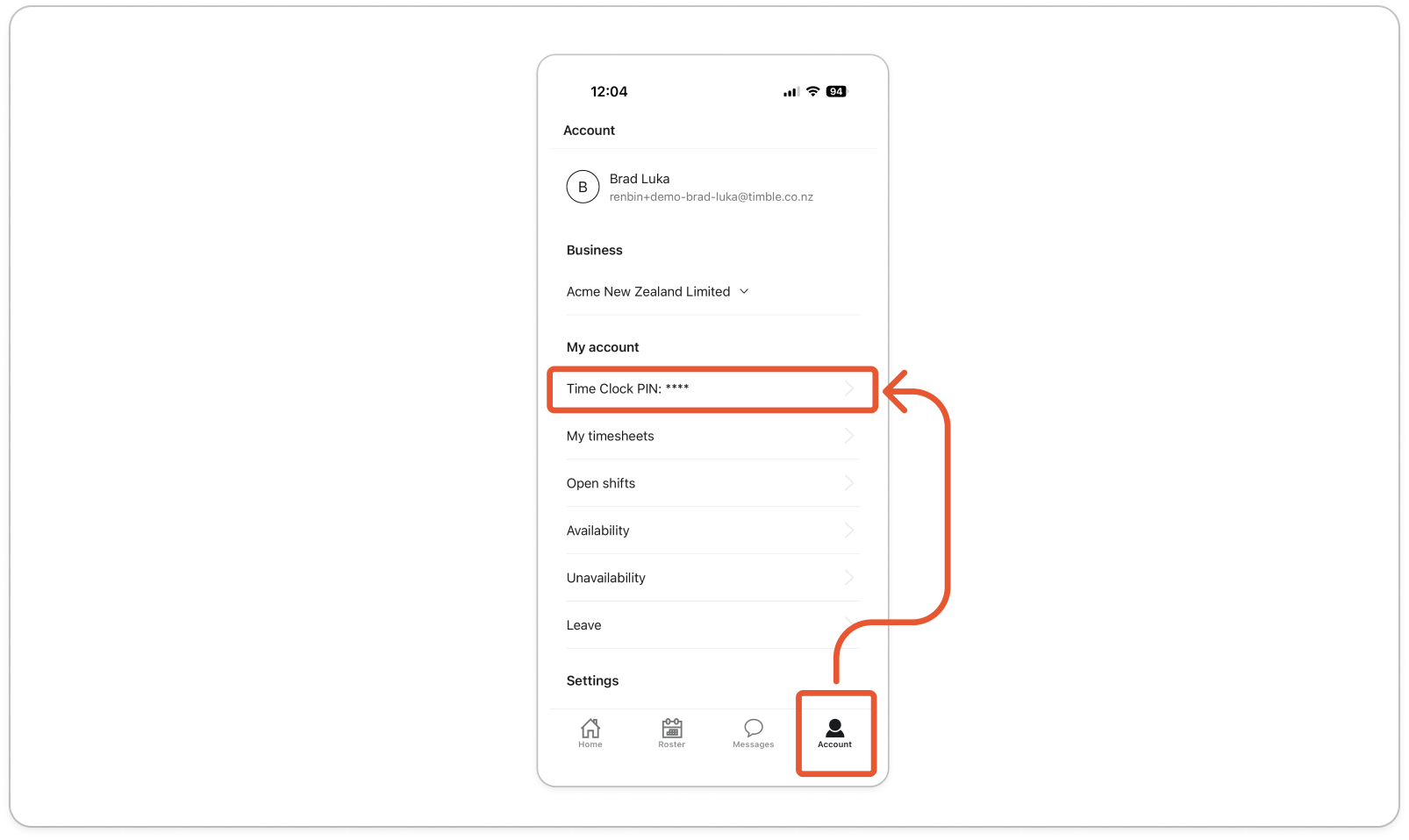
- Read your PIN in the Time Clock PIN pop-up, then tap OK.
Note: Your PIN belongs to one business. If you work for more than one on Timble, the app shows the PIN for the business named under Business. Tap that name, choose the other business under Switch Business, then check again.
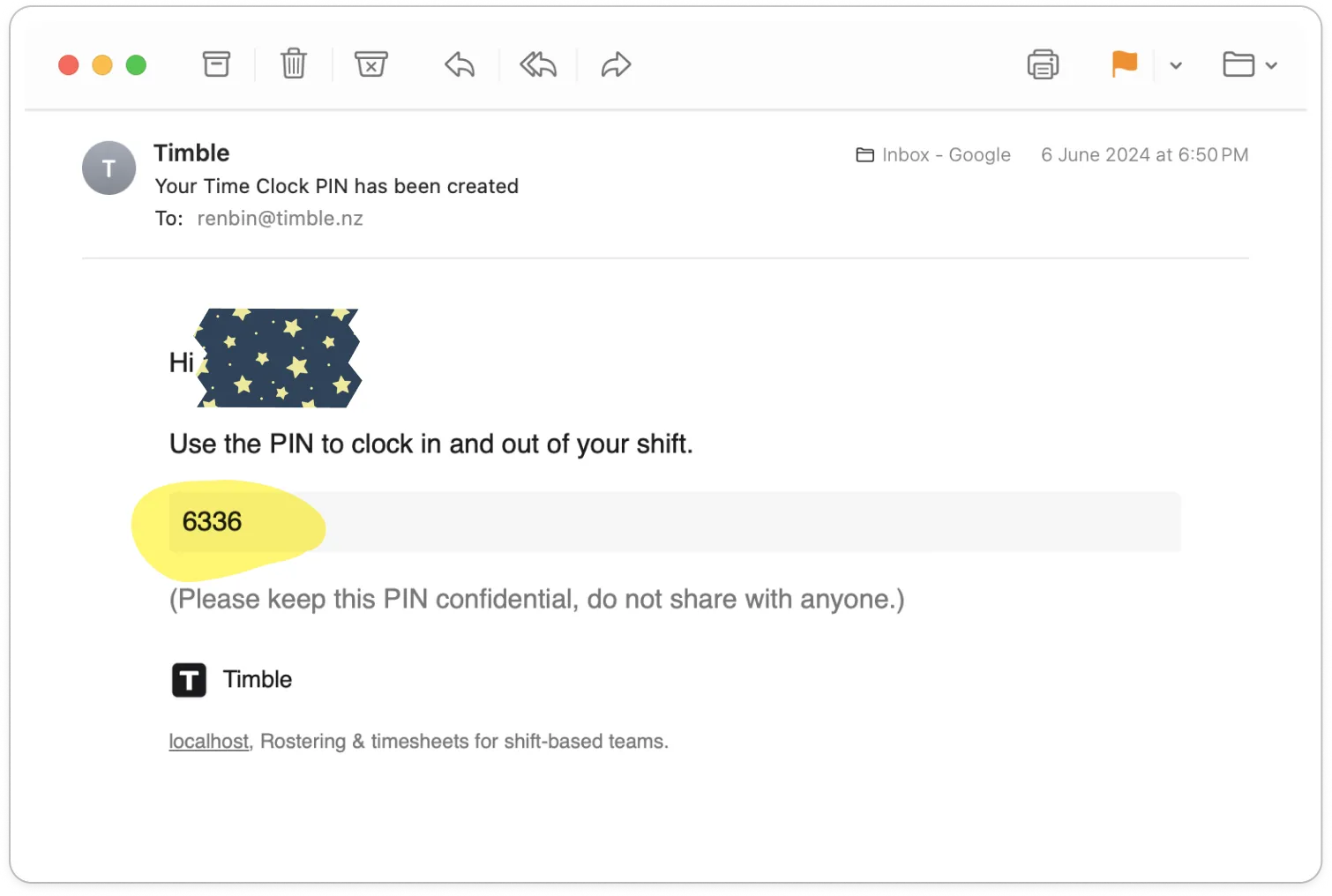
Tip: Your business may also have emailed you the PIN when it set up the time clock. If you can't get to the app, search your inbox for that email. Keep the PIN to yourself: it is how Timble knows the hours are yours.