.svg)
Choose how long before each shift your team members get a reminder on their phone.
- Click your profile picture in the top right, then click Settings.
- Click General.
- Scroll to the Roster section and find Shift reminder.
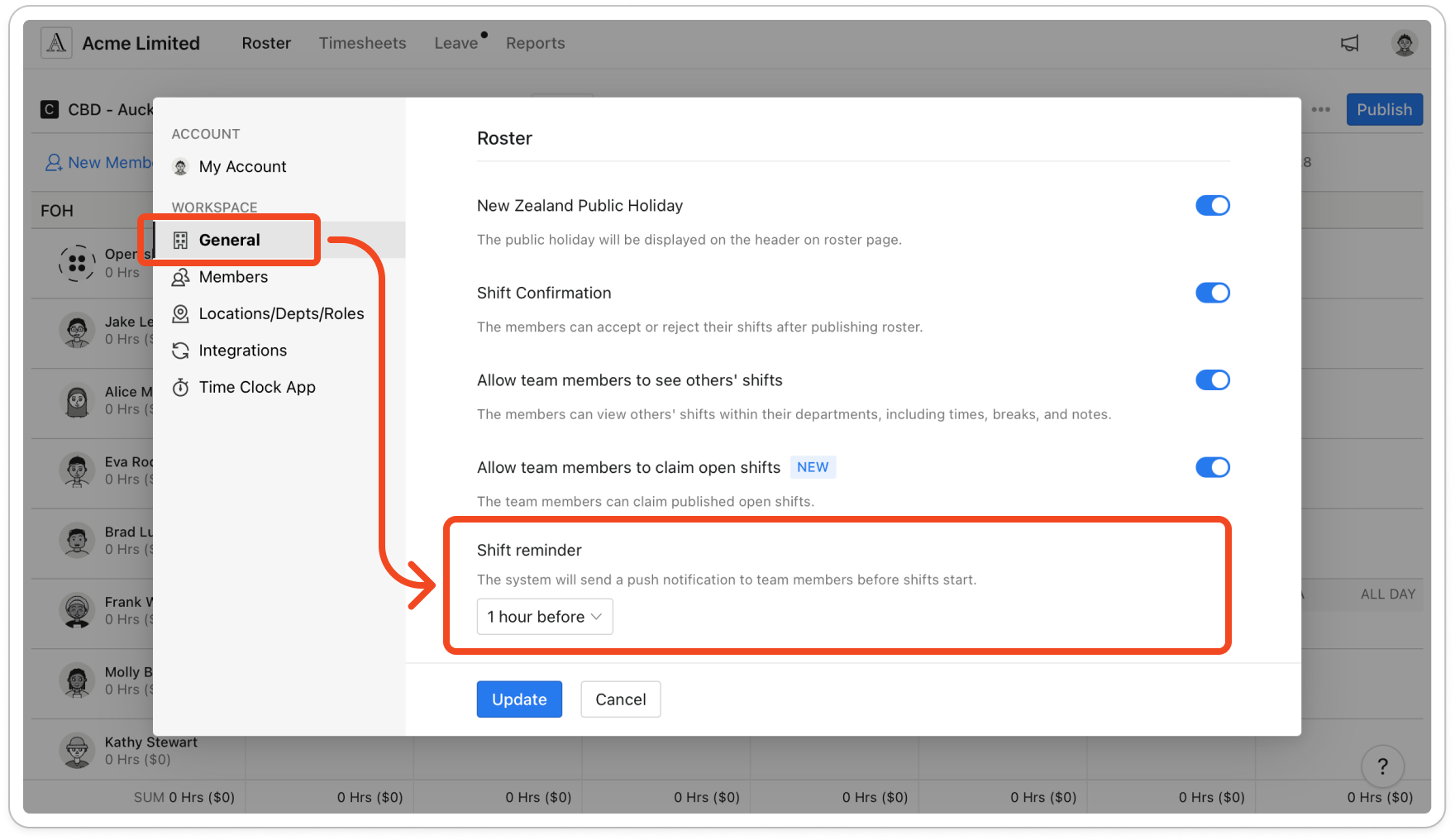
- Click the dropdown and choose how many hours before a shift the reminder goes out, from 1 hour before up to 24 hours. Choose None to turn reminders off.
- Click Update.
Note: Each published shift gets one push notification showing its role, department, location and times, unless the member has declined the shift or hasn't allowed notifications from the mobile app. Timble checks for upcoming shifts every 30 minutes, so a reminder can arrive up to half an hour later than the time you chose.


