.svg)
If you can't remember your password, you can get a reset link by email and choose a new one.
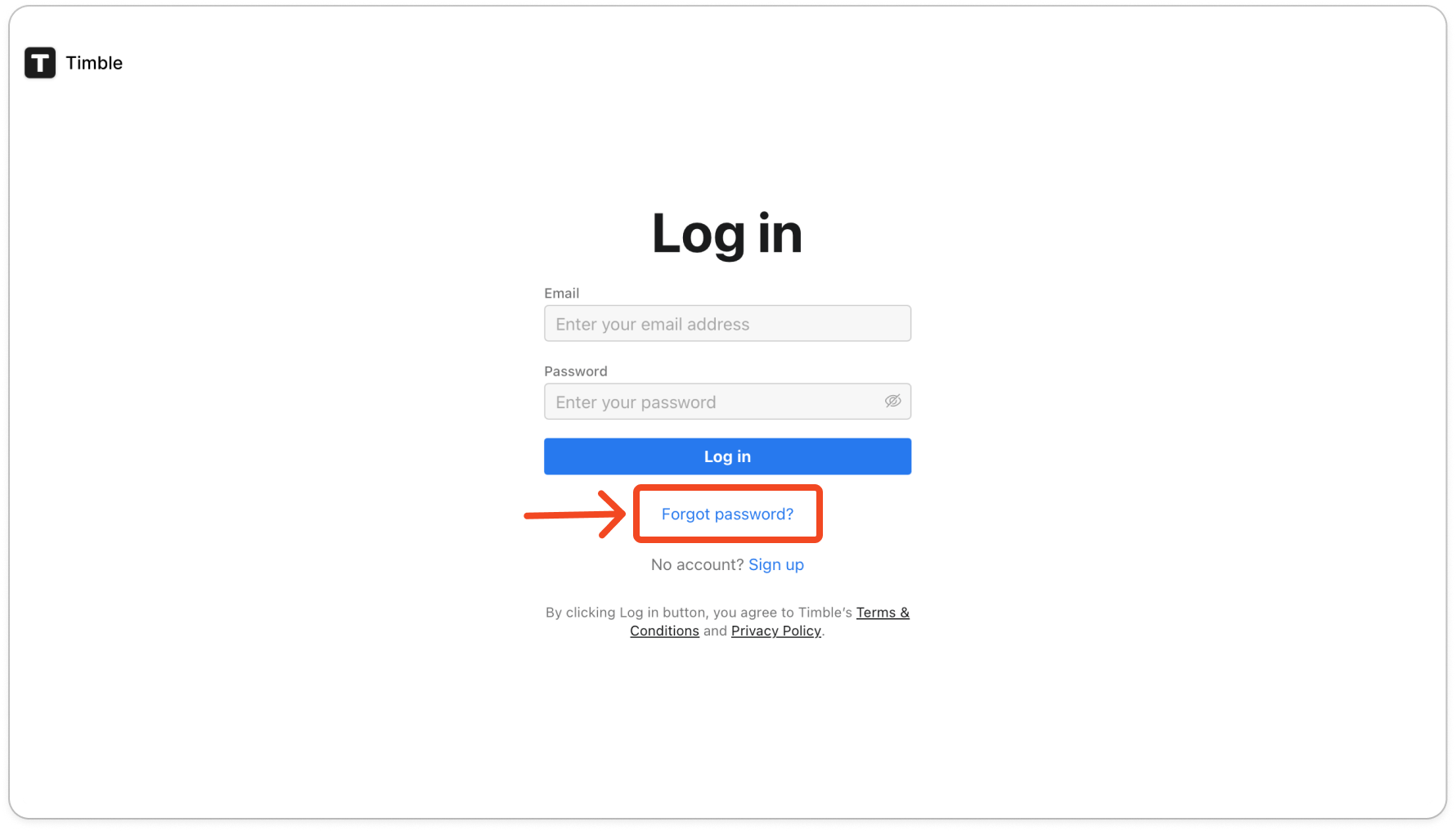
- On the Timble log in page, click Forgot password?. In the mobile app, tap Forgot password? on the log in screen. It opens the same page in your phone's browser.
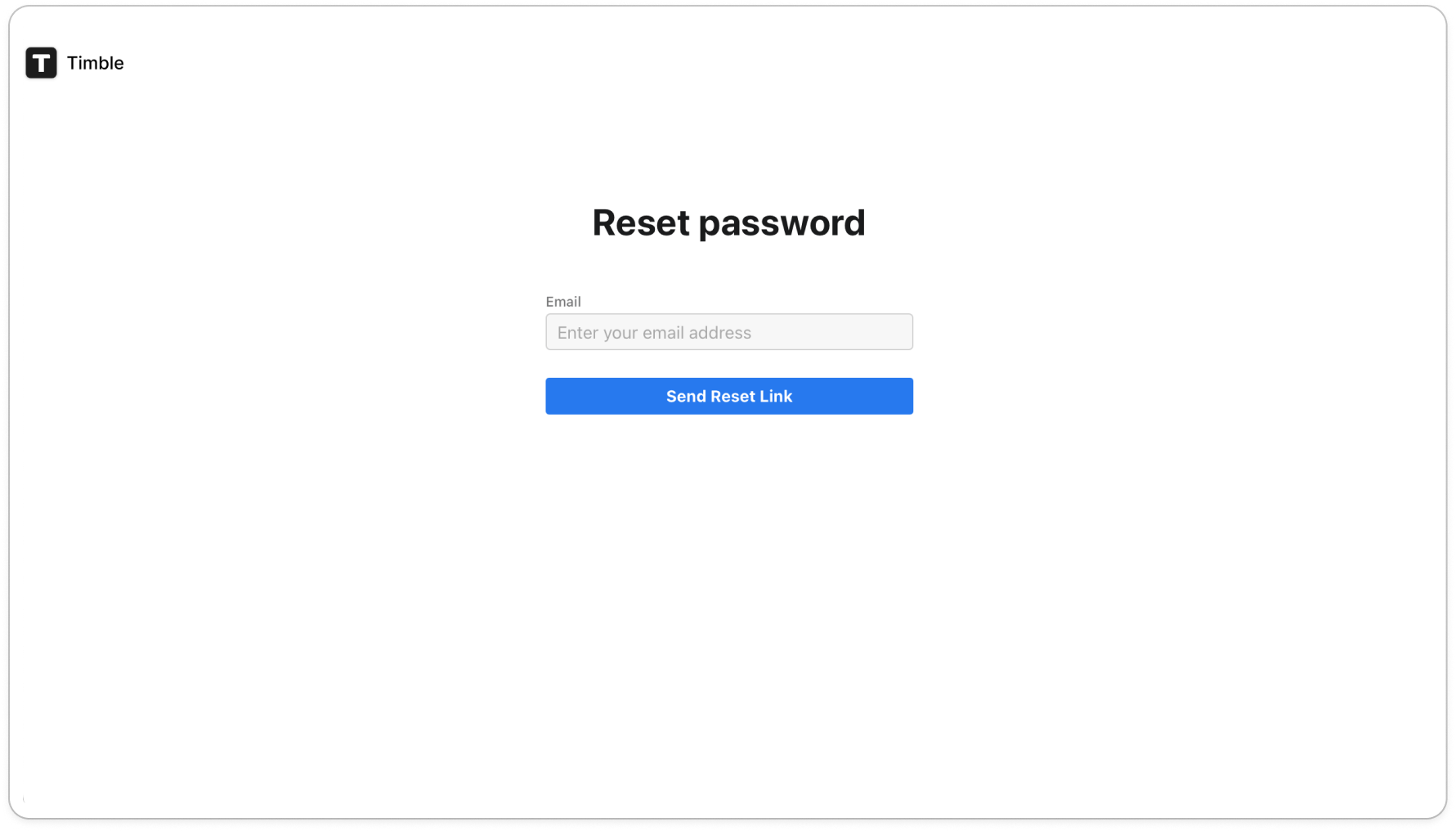
- Type the email address you use to log in, then click Send Reset Link.
- Open the email from Timble and click the link in it. If it isn't in your inbox, check your spam folder.
- Type your new password in Password and again in Confirm Password, then click Submit. Timble logs you in, and the new password works in the mobile app too.
Note: Each reset link can only be used once and lasts 3 days. If yours has expired, start again from step 1.


