.svg)
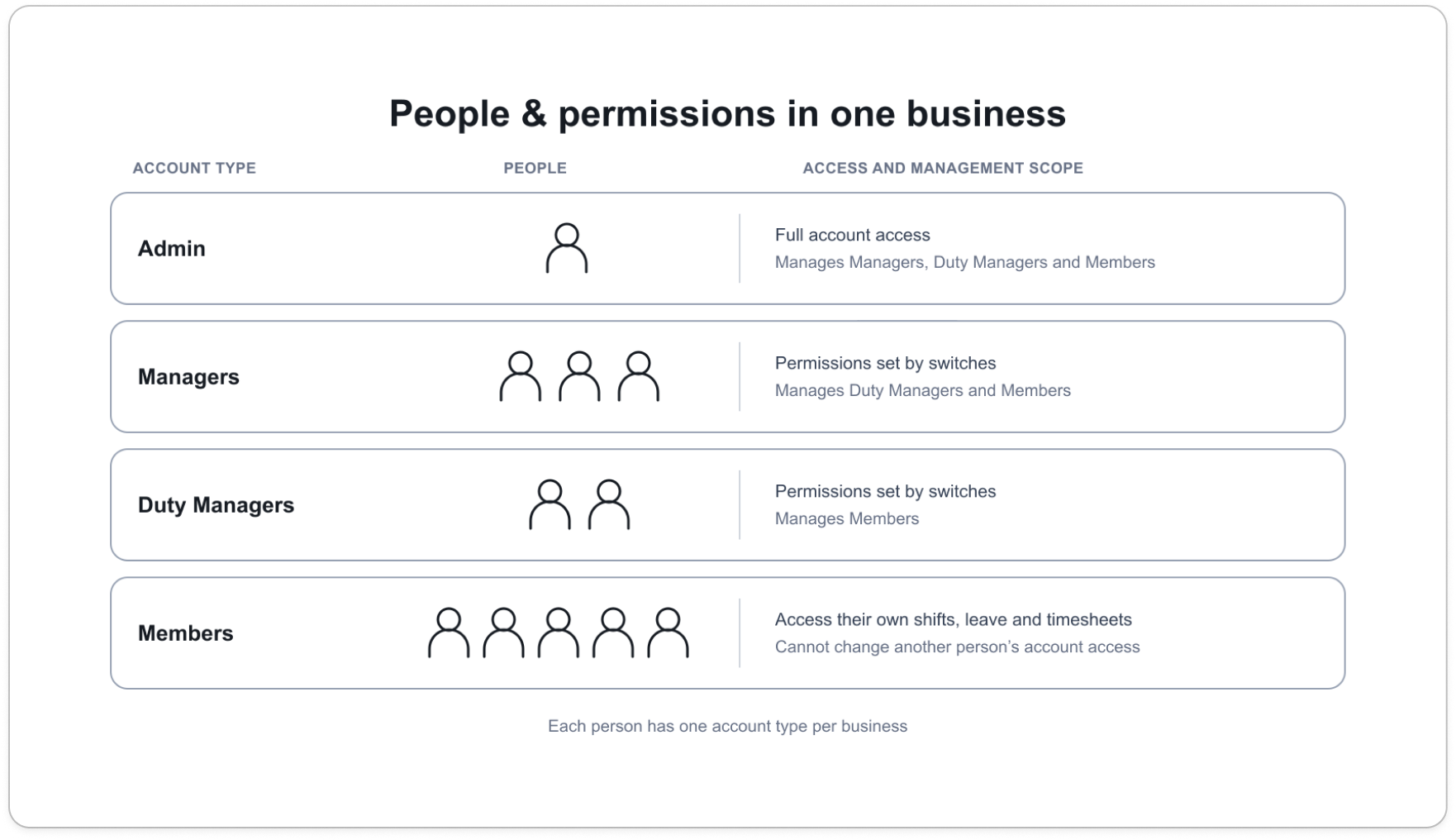
Access in Timble is set per person, through their account type. Four account types cover everyone, and a business can have as many managers as it needs, each with their own reach.
How it works
- Every person has one account type: Admin, Manager, Duty Manager or Member. Account types are about access. They are not roles, which describe the work someone is rostered to do, such as Cook or Supervisor.
- An Admin can do everything across the whole business. A Member can see only their own shifts, leave and timesheets. Neither has permission switches.
- A Manager or Duty Manager gets exactly the permissions you tick for them, grouped by area: roster, members, leave, timesheets, reports and integrations. They act within the locations and departments they are assigned to.
- A business can have several managers, and their reach can differ or overlap. One manager might cover two locations with every permission, another a single department with roster permissions only. Each is set up on their own profile.
Who does what
Admins decide who is a manager or duty manager, and which permissions and locations each one has. Only an admin can make someone a manager.
Managers run their own locations and departments. A manager can make someone a duty manager and set that person's permissions, but cannot change an admin or another manager.
Duty Managers work within the same permission list, reaching members only.
Members hold no permissions and cannot change anyone's access.


