.svg)
Turn on leave balances for members so each member can see their own balance in the mobile app.
- Click your profile picture or initial in the top right, then click Settings.
- Click General.
- Under Leave, check that Allow members to submit leave requests is turned on. The balance switch only appears once it is.
- Turn on Allow members to view leave balance.
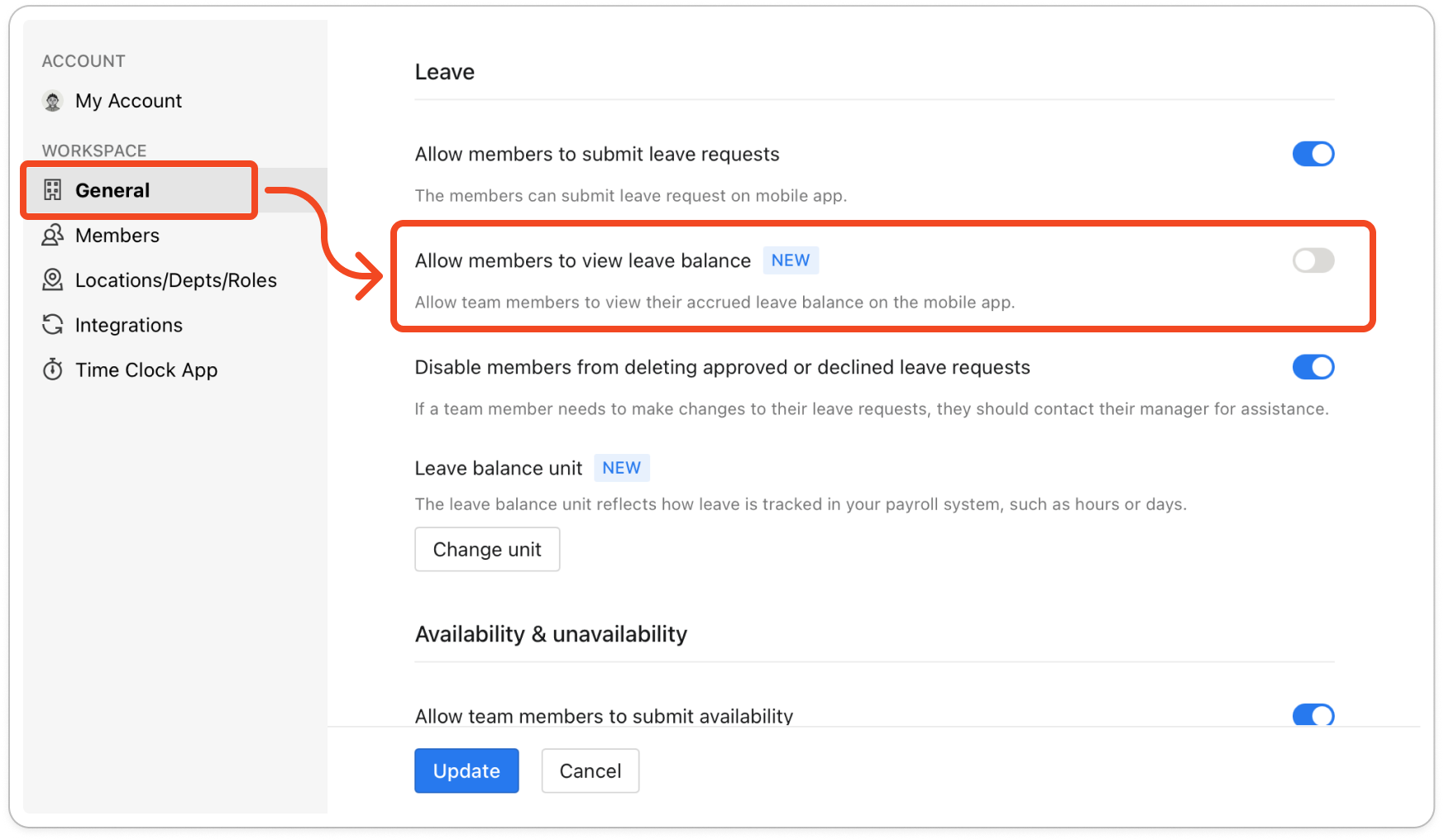
- Click Update. Members now see a Balance tab on the Leave screen in the mobile app, and their balance for the leave type they picked appears on the Leave Request screen.
Note: Timble does not work out leave balances itself. The only balances it can show are the ones you import from your payroll system.


