.svg)
Turn on unavailability so members can tell you, from the mobile app, the days and times they can't work. Those days then show on the roster before you add a shift.
- Click your profile picture or initial in the top right, then click Settings. The General tab opens.
- Scroll down to the Availability & unavailability heading and turn on Allow team members to submit unavailability. The switch is off until you turn it on.
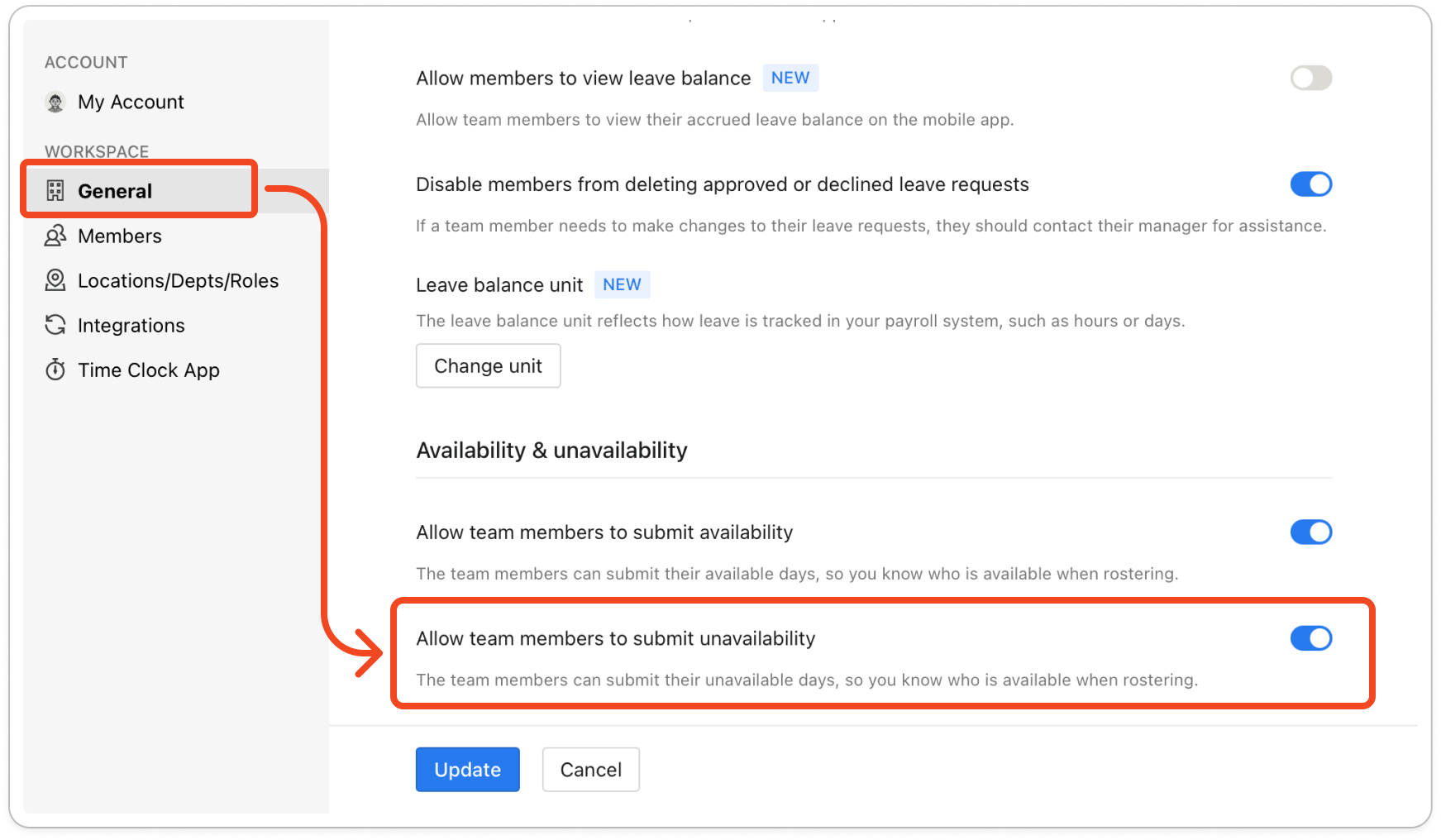
- Click Update at the bottom of the tab to save the change.
Note: An unavailability entry does not need approving, so it shows on the roster as soon as the member submits it.


