.svg)
Turn on leave requests so members can submit leave requests from the mobile app.
- Click your profile picture or initial in the top right, then click Settings. The General tab opens.
- Scroll down to the Leave heading and turn on Allow members to submit leave requests.
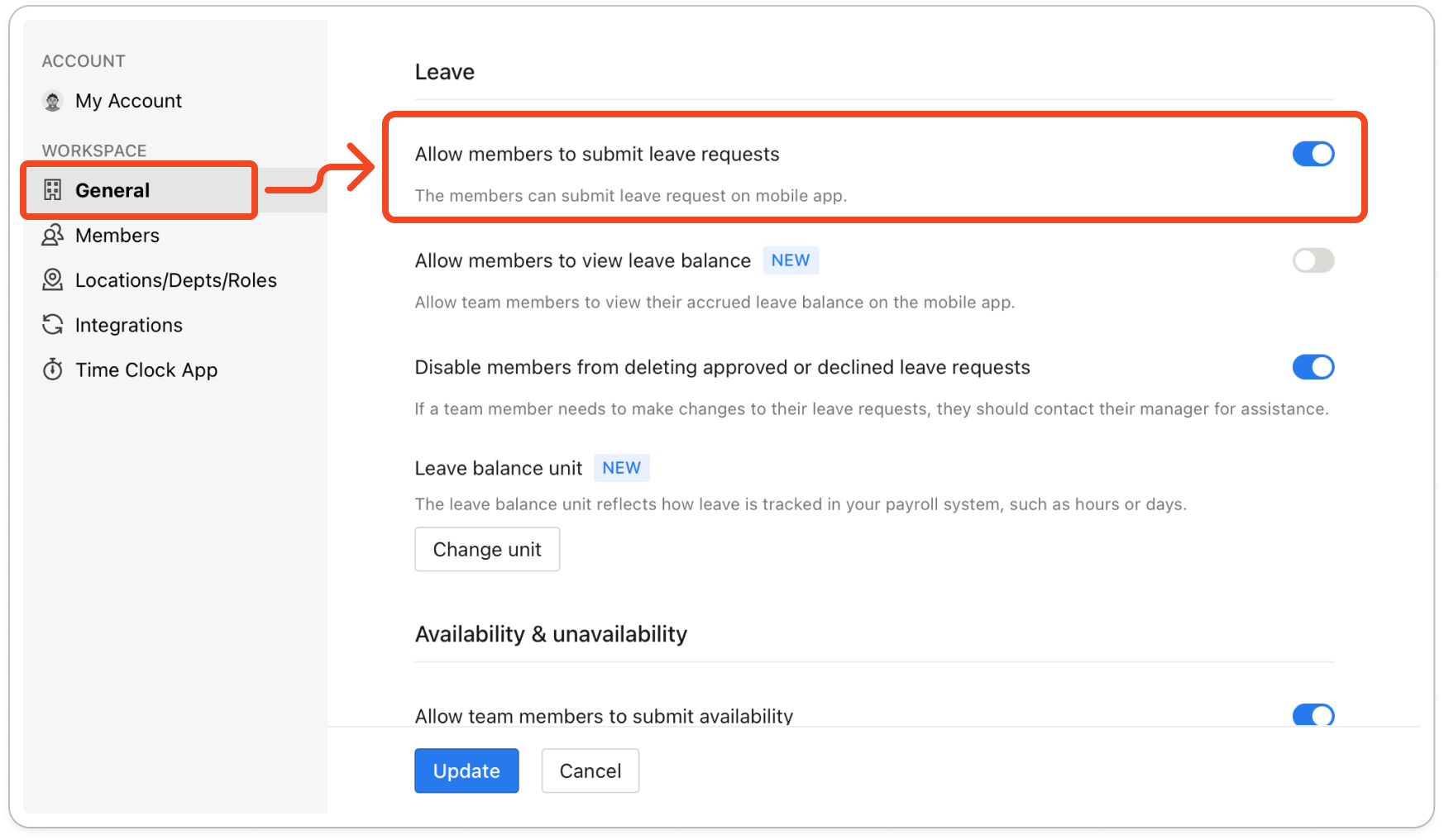
- Click Update at the bottom of the tab to save the change.
- Ask your members to open the mobile app and tap Account. A Leave item now shows on that screen, and they submit their requests from there.


