.svg)
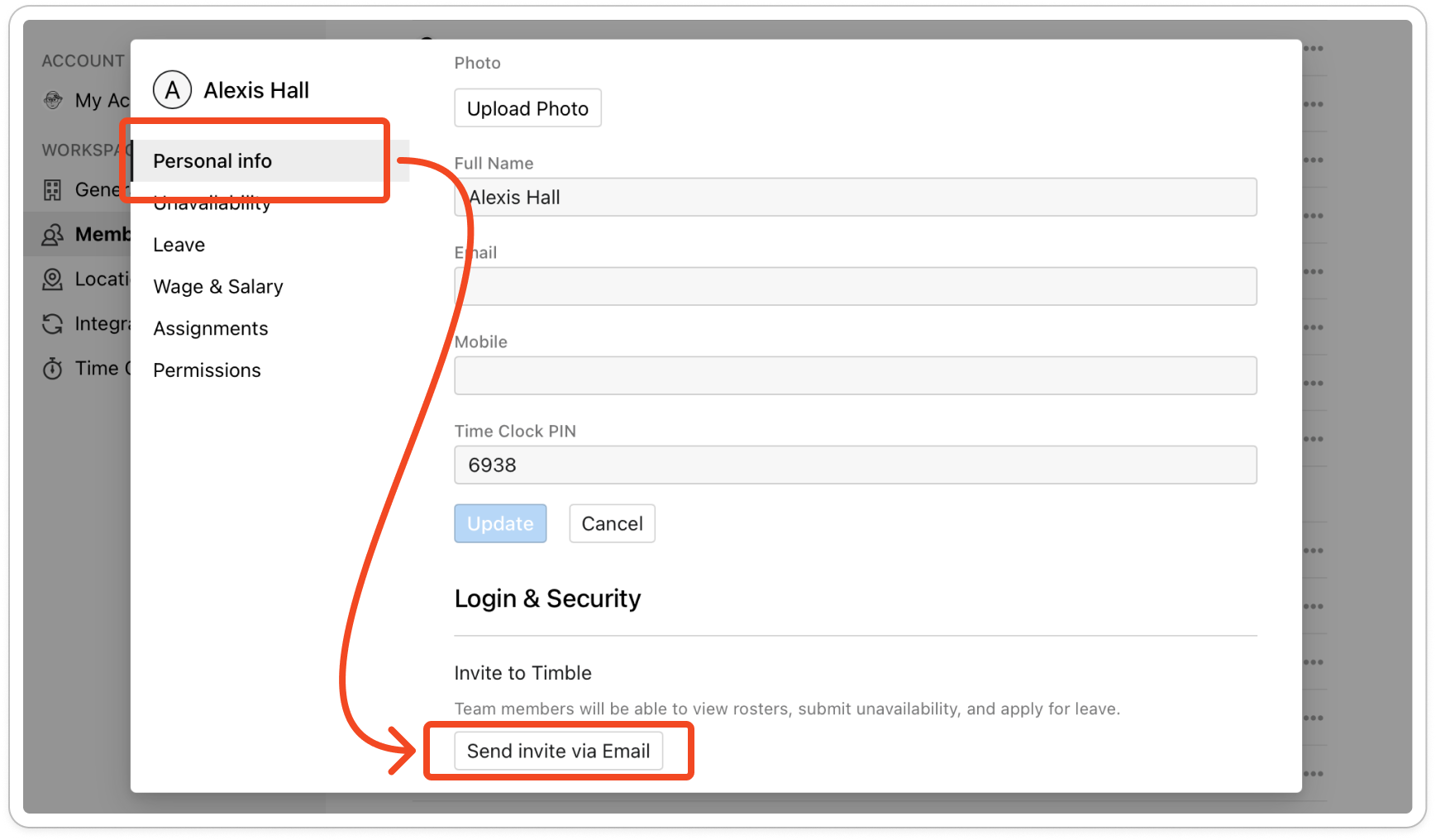
Open the member's profile and click Send invite via Email. Invitation links expire after 7 days, so this sends a fresh one.
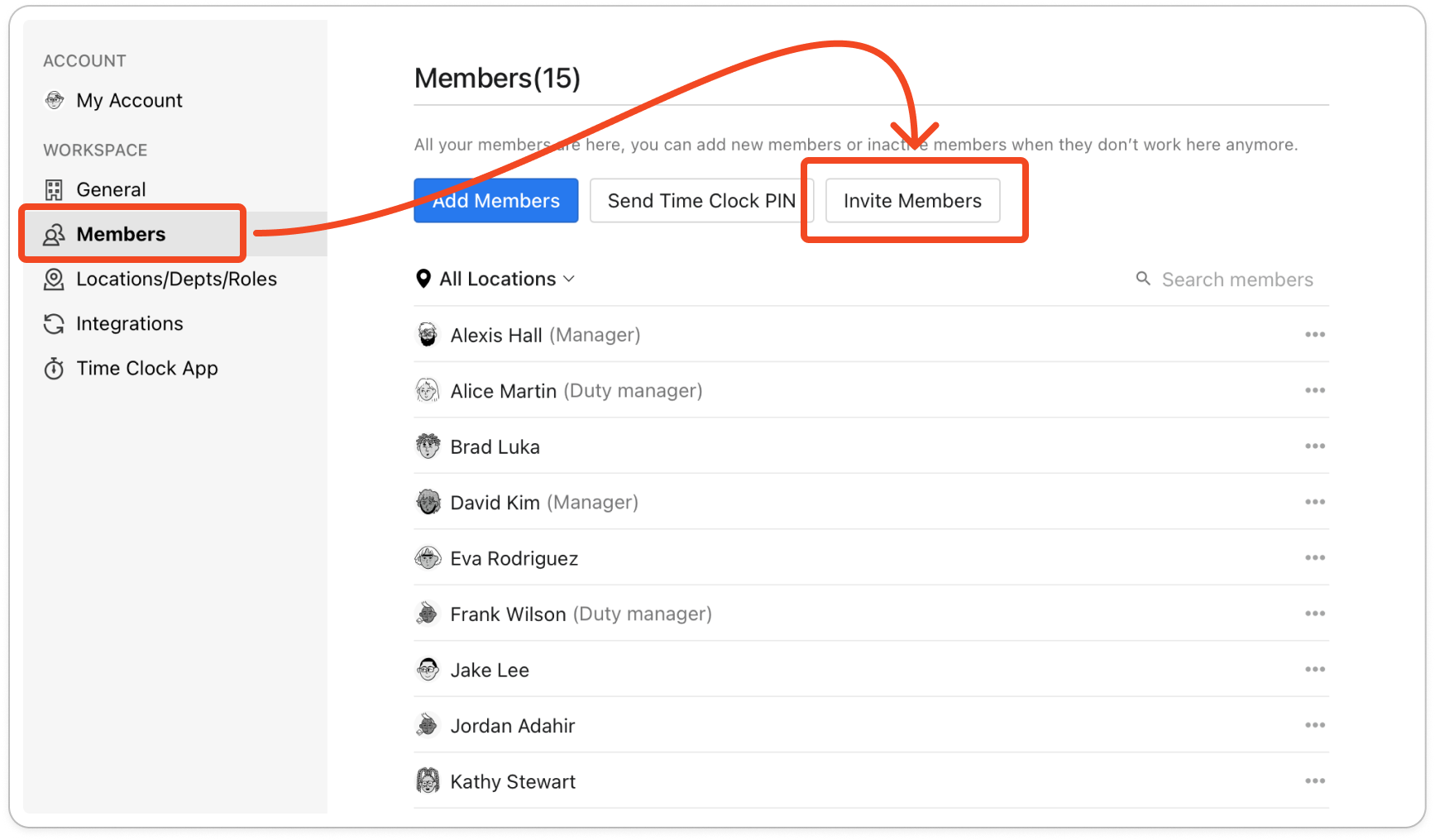
- Click your profile picture in the top right, then click Members.
- Click the member. Anyone still waiting shows (Invited) beside their name.
- Under Login & Security, click Send invite via Email. Sent! appears beside the button.
Tip: To invite several people at once, click Invite Members above the list instead.