.svg)
- Click your profile picture in the top right, then click Settings.
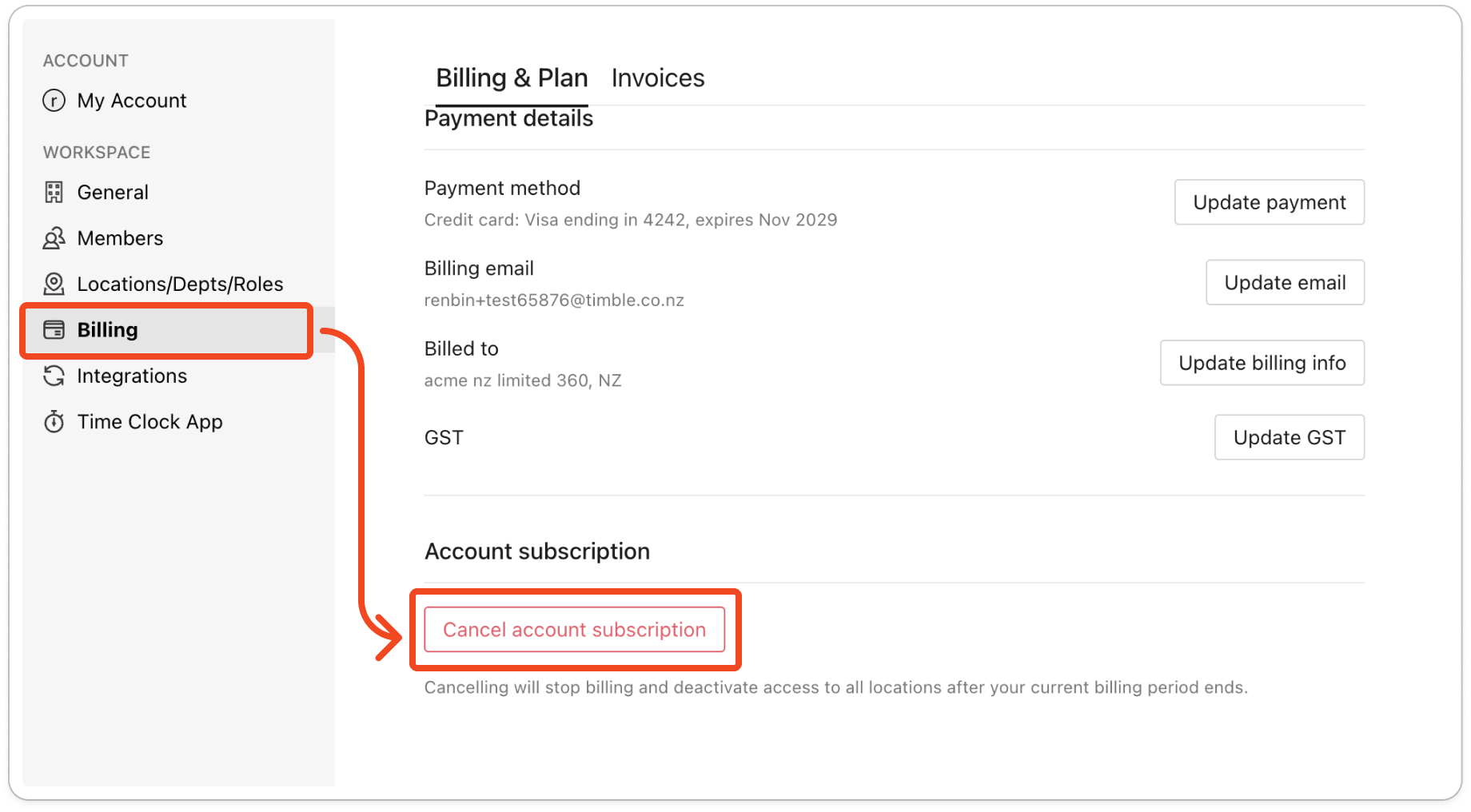
- Click Billing on the left, then scroll to the bottom of the Billing & Plan tab.
- Under Account subscription, click Cancel account subscription.
- Tick at least one reason in Quick feedback before you go?, then click Continue.
- Click Confirm cancellation.
Tip: If you change your mind before the trial ends, open the same tab and click Reactivate. Your trial carries on, and your card is charged when the trial ends.


