.svg)
Yes. Tick each one on the Assignments tab of their profile, and they appear on every one of those rosters.
- Click your profile picture in the top right, then click Members, then click the member.
- Click Assignments.
- Tick each location they work at. Click a location's name to see its departments and roles, and tick the ones that apply.
- Click Update.
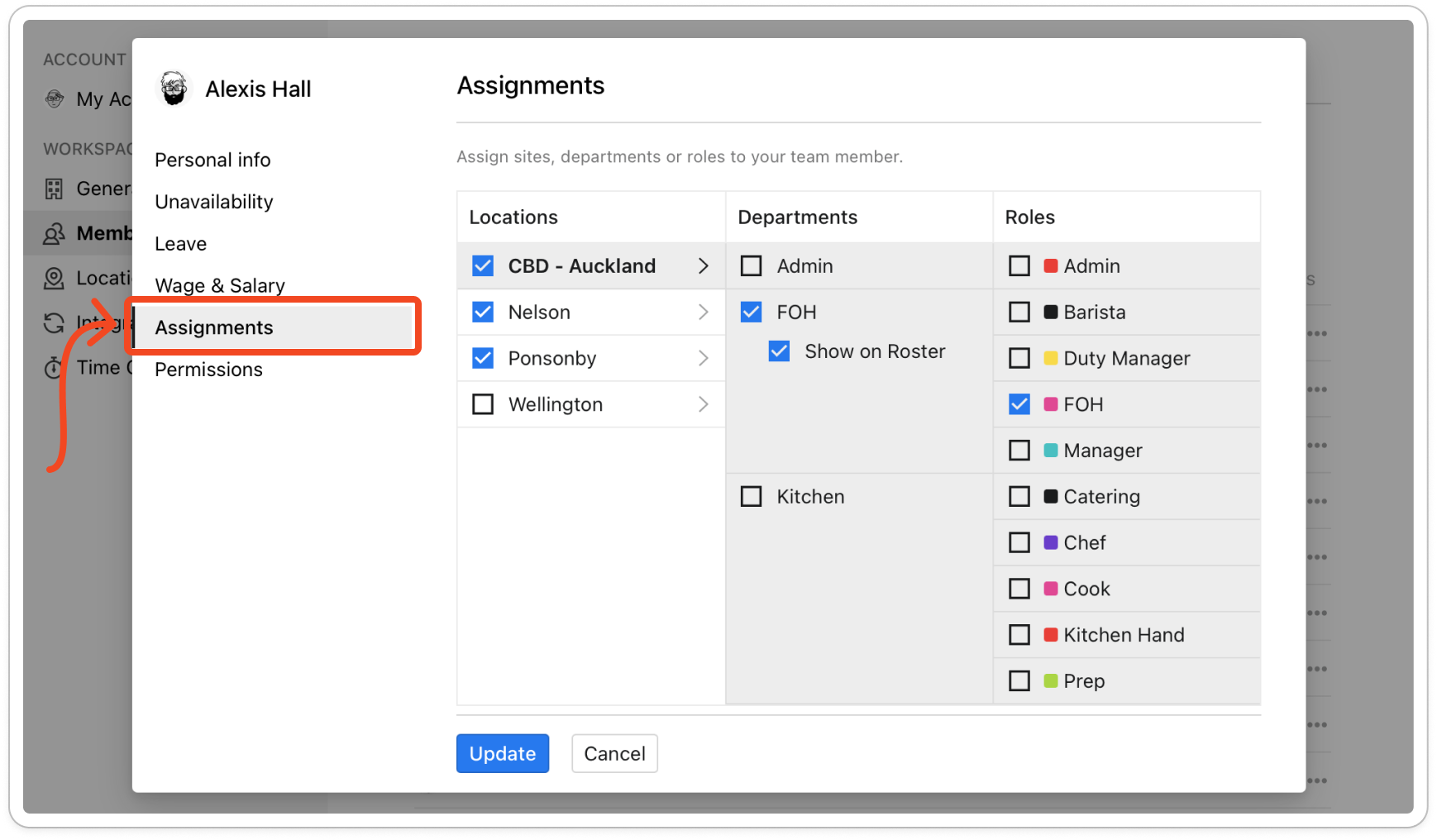
Note: Every location you tick needs at least one department ticked, or Timble won't save.


